Every part of MotoWire

From one bike’s specs
to a diagram you can build from.

MotoWire keeps everything about your motorcycle’s electrical system in one place — your manuals, your parts, your builds and the diagrams that come out of them. Here is what each part does, and why it works the way it does.

Closed alpha
Bike Profile

One place for everything about your bike.

Your Bike Profile holds your motorcycle’s OEM specs, what is fitted right now, and every build you have on the go — whether you drew it in MotoWire or imported it from a diagram or spreadsheet.

You decide what the page looks like. Move the tiles, choose which figures sit up top, and set it up around the way you actually work.

Rearrange the tiles so the figures you check most sit first
OEM specs, installed parts and every build in one view
Custom builds and imported diagrams live side by side
Add as many machines as your plan allows — each keeps its own record
motowire.com.au/bike/fe501
Husqvarna FE 501
2015 · AUS · “Ash”
Battery
12.6 V
Charging
200 W
System
12 V neg
Odometer
14,208 km
Installed Build
44 parts · validated
Validated
Adventure Lighting
in progress · 8 parts
Draft
Session 7 (imported)
1 warning to review
Review
Specs

Your manual’s numbers, without the hunt.

MotoWire reads your uploaded documentation and lays out the electrical figures that matter — system voltage, charging output, battery spec, fuse ratings — so you see your bike at a glance instead of thumbing through a PDF.

Everything updates on its own and opens on any device you can run MotoWire on. Split the spec sheet across monitors or windows and keep it up while you work.

Read from your own manuals, with the page number beside each figure
Updates itself when you add or re-read a manual
Open the same sheet on a second monitor, a tablet or your phone
A figure your manual never stated is shown as missing, not guessed
motowire.com.au/specs/fe501
OEM specification sheet3 manuals read
System voltage12 Vp. 18
Charging output200 W @ 5,000 rpmp. 204
Battery8 Ah · lithium-ionp. 19
Recommended CCA180 Ap. 19
Idle outputNot stated—
A figure your manual never stated is shown as missing, not guessed.
Installed Build

Know what is on the bike right now.

Your Installed Build is the record of the bike as it stands. See what is fitted, how to replace it safely, and when it is worth starting to think about a spare.

It is the difference between finding out a battery is tired in your own shed and finding out three hours from the nearest town.

Every fitted part, with when it went on
Safe replacement steps for the part you are holding
A heads-up before a component is due, not after it fails
Order spares while the bike is still running
motowire.com.au/current-build/fe501
Installed build44 parts
Motoscope MiniFitted Mar 2025
Battery · lithium 8 AhReplace within 6 months
Headlight · LED 35 WFitted Nov 2024
Rear indicator (L)Order a spare
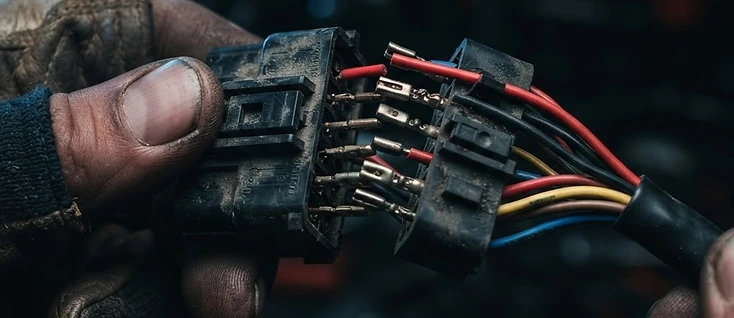
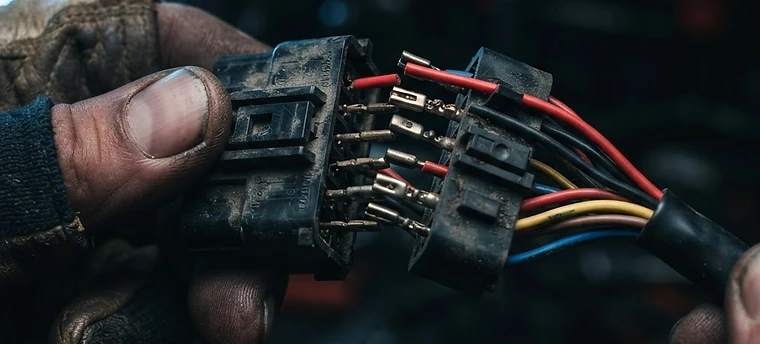
A motorcycle wiring harness connector being separated by hand
Every connector, gauge and colour recorded once — then reused
Components Library

Your parts, OEM and aftermarket together.

Browse, add and manage every OEM and aftermarket component you use. Each part carries its real figures — voltage, current draw, fuse rating, connector type — so a build is checked against the parts you are actually fitting.

Anything you add here shows up when you start a new build, and merges with the components MotoWire pulls out of your uploaded sheets and diagrams. No part gets entered twice.

OEM parts in green, aftermarket in orange — tell them apart instantly
Search by name, part number or SKU
Parts merge with anything imported from component sheets and diagrams
Attach datasheets, product pages and photos to a part
motowire.com.au/library/fe501
Search 128 componentsOEMAftermarket
Fuel pump relay
relay
m.unit blue
control
Headlight 35 W
lighting
Denali D4 pods
lighting
Starter solenoid
contactor
USB-C outlet
outlet
Build Creator

The heart of MotoWire.

Build out the bike you have in your head. Add parts, set them up, change your mind — the Build Creator keeps it neat and, more importantly, keeps it moving.

When you are happy, commit the build. MotoWire turns it into the diagrams and spec sheets you follow in the workshop.

Add and configure parts as you go, in any order
Watch your power budget as the build grows
Stop and read up on anything without losing your place
Commit a finished build to diagrams and spec sheets
motowire.com.au/build/fe501
Adventure Lighting9.6 A of 14.0 A
LED light bar3.2 A
Heated grips3.8 A
USB-C outlet2.4 A
Auxiliary relay0.2 A
Add a component
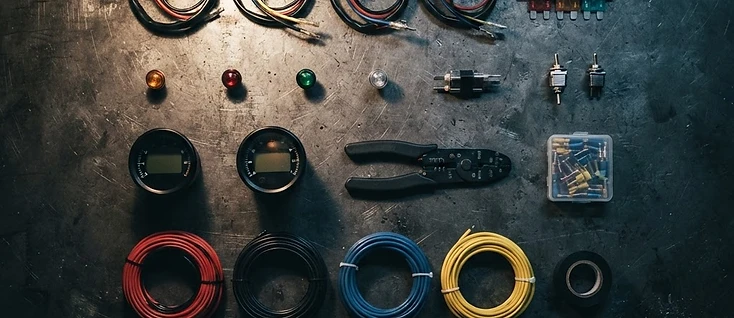
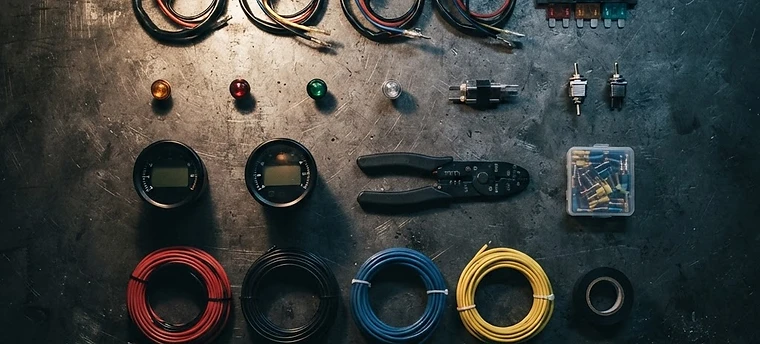
Motorcycle electrical components laid out in a grid on a workbench
Plan the parts list before you spend a dollar on it
Electrical Diagrams

A diagram to start from, and a check to trust it against.

Pick your parts, plan the build, and MotoWire generates a foundational wiring diagram to work from. Check it against your bike’s specs and its charging headroom, then take the details to your qualified auto-electrician.

MotoWire does the early hard yards, so you can tweak to your heart’s content without the headaches. Simplified or complex (IEC 60617) diagrams, whichever you prefer.

motowire.com.au/build/fe501 — wiring
RHS LOOM LANELHS LOOM LANE
rd 16AWG bk 12AWG br 22AWG
motowire.com.au/build/fe501 — safety
Safety report65 rules
PWR-004Voltage drop 4.2% on headlight feed
FUS-001Fuse withstand below inrush
CHG-003Parasitic draw flattens battery in 2 days
CMP-002Terminal label matches declared function
IEC 60617 symbols, or pictorial icons
Parts drawn where they physically sit on the bike
Crossing hops where wires pass, dots where they join
Export to Draw.io whenever you like

In development, and openly so

The diagram builder is a genuinely complex tool in the early stages of development, and it is under rigorous alpha testing before full launch.

If you are a professional or an engineer in this space and you would like MotoWire shaped around your own diagramming methods, tools and approach, we would like to hear from you.

Talk to us about your workflow
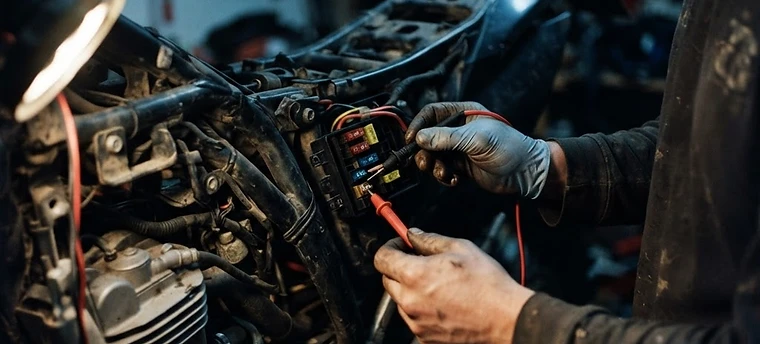
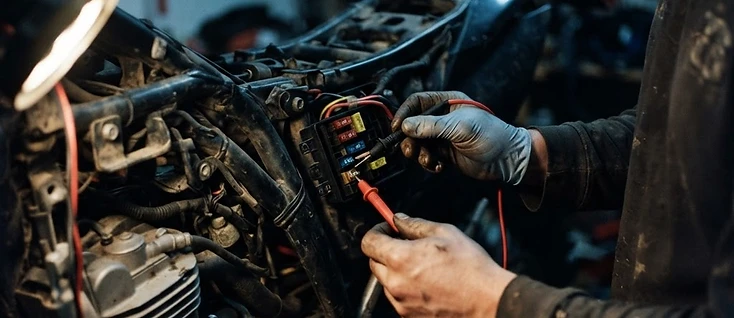
A mechanic testing a motorcycle fuse box with a multimeter
Understand the circuit before you put a probe on it
Guided Build Development

It shows you what it is doing, and why.

MotoWire does not just do the work for you — it can show you its reasoning. Every gauge it picks and every warning it raises comes with the reason behind it, in plain English.

Curious about motorcycle electrical work more generally? Tooltips, walkthroughs and guides run through the whole app, so you finish a build knowing more than when you started.

Tooltips on the figures that decide a build
Walkthroughs for each stage of the Build Creator
Plain-English reasons behind every check that runs
Learn the trade vocabulary as you go, in context
motowire.com.au/build/fe501 — guide
Why this gauge?
2.5 mm² · about 14 AWG
Your light bar draws 3.2 A over a 1.8 m run. At that length, thinner wire drops more than 3% of the bus voltage — so the lamp gets dimmer than it should.
PWR-004 · voltage drop · SAE J1128 ampacity table

Ready when you are.

MotoWire is in closed alpha, so sign-ups are not open yet. Register your interest and we will let you know the moment early access opens.

No account needed — just a name and an email address.

MotoWire is a planning aid, not a qualified opinion. It helps design and check a motorcycle’s electrical system from what you and your manuals tell it — it cannot see your bike. Its ampacity, fuse-sizing and voltage-drop figures are currently under review by working auto-electricians, and a passing check means nothing we test for was found, not that a build is safe. Electrical work on a vehicle carries real risk of fire and of losing lighting or ignition while riding. Have anything you are unsure of checked by a qualified auto-electrician, and confirm your insurer and local road rules accept modifications before riding on a public road.